


FileMaker Themes & Layout Templates
FileMaker Pro’s themes and styles offer an opportunity to make improvements to the usability of your app’s layouts in one place, then easily apply those changes across the rest of your app.
Themes are sets of styles that can be applied to many layouts in your database. When you change anything in a theme and save all your changes to that theme then all the layouts that use the same theme are updated together.
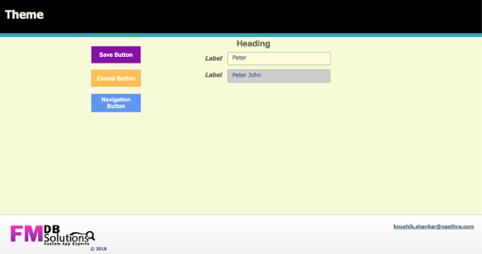 To save a theme :
1. In Layout mode, create new styles or edit existing styles and save your changes.
2. Click Inspector Inspector button in the layout bar, then click Appearance. An asterisk (*) appears after the theme name and the arrow turns red, indicating the theme definition has changed.
3. For Theme, click and do one of the following :
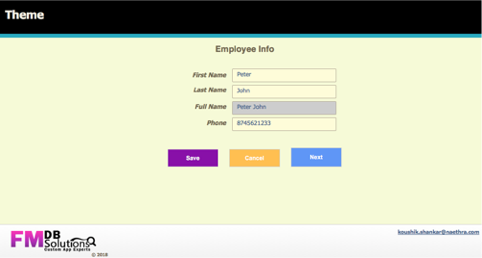
Why is this important?
Save the developer time: It helps make your layouts coordinated and professional without having to modify each individual layout.
Save the users time: layouts that use styles and themes render more quickly, keeping pace with the speed of your users.
Have Questions?
FMDB solution provides a free initial consultation.
Contact us and we would be happy to discuss your situation and needs.